
An email will be sent to you with your login information attached.
Unlock hereIf you enter the wrong password three times, it will be locked.
LIFE CARD
SB Payment Service
Scan the QR code to
install the app.
Make your business more visible and smoother.
Daily orders and payments can be intuitively understood through graphs.
Useful features are available for free.
*To use this service, you will need to sign up for the "Payment Service Management Screen" separately.
Check how to log in to the app. *QR code is a registered trademark of DENSO WAVE INCORPORATED.
You can check today's payment amount and payment transaction trends in real time.
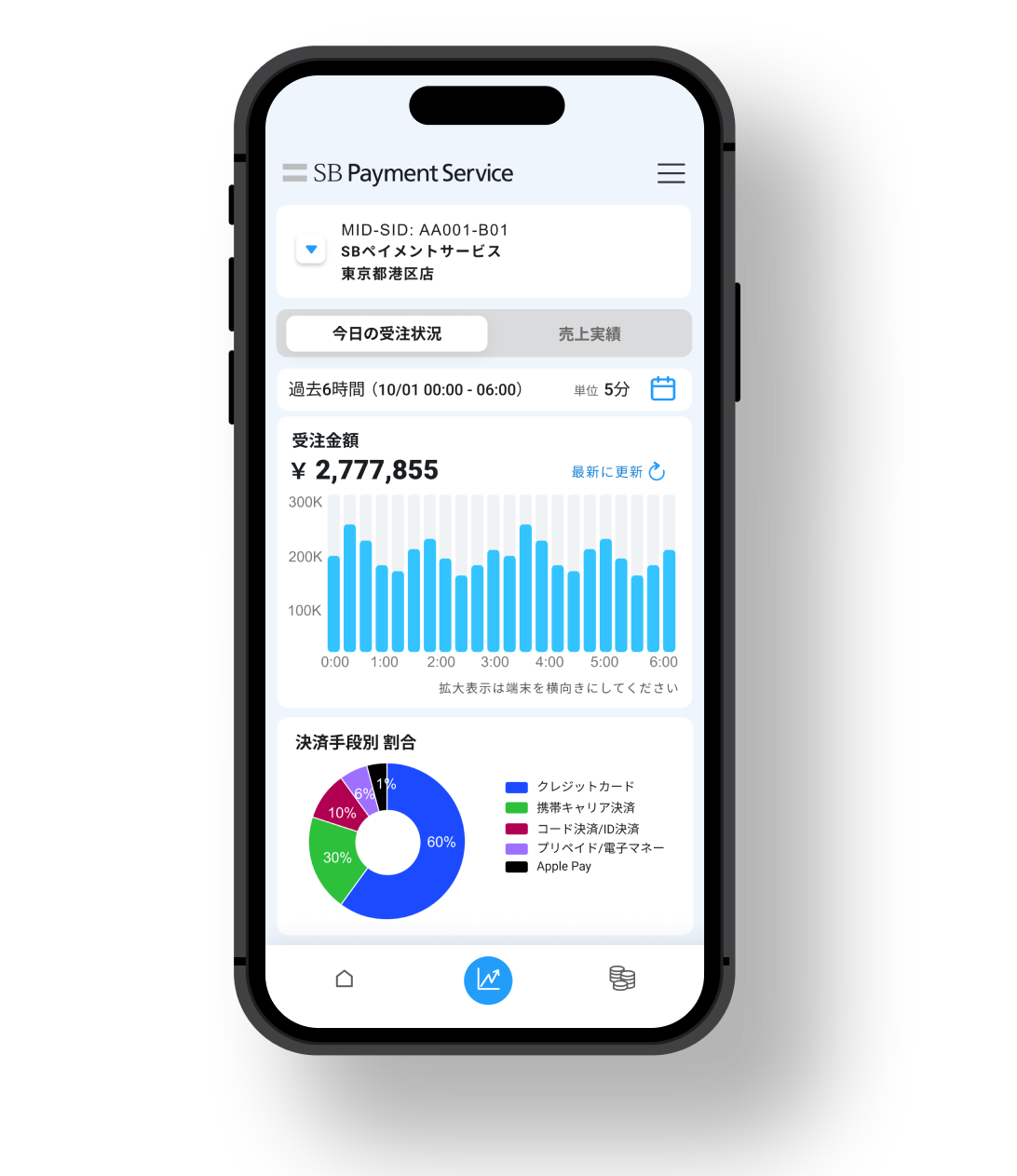
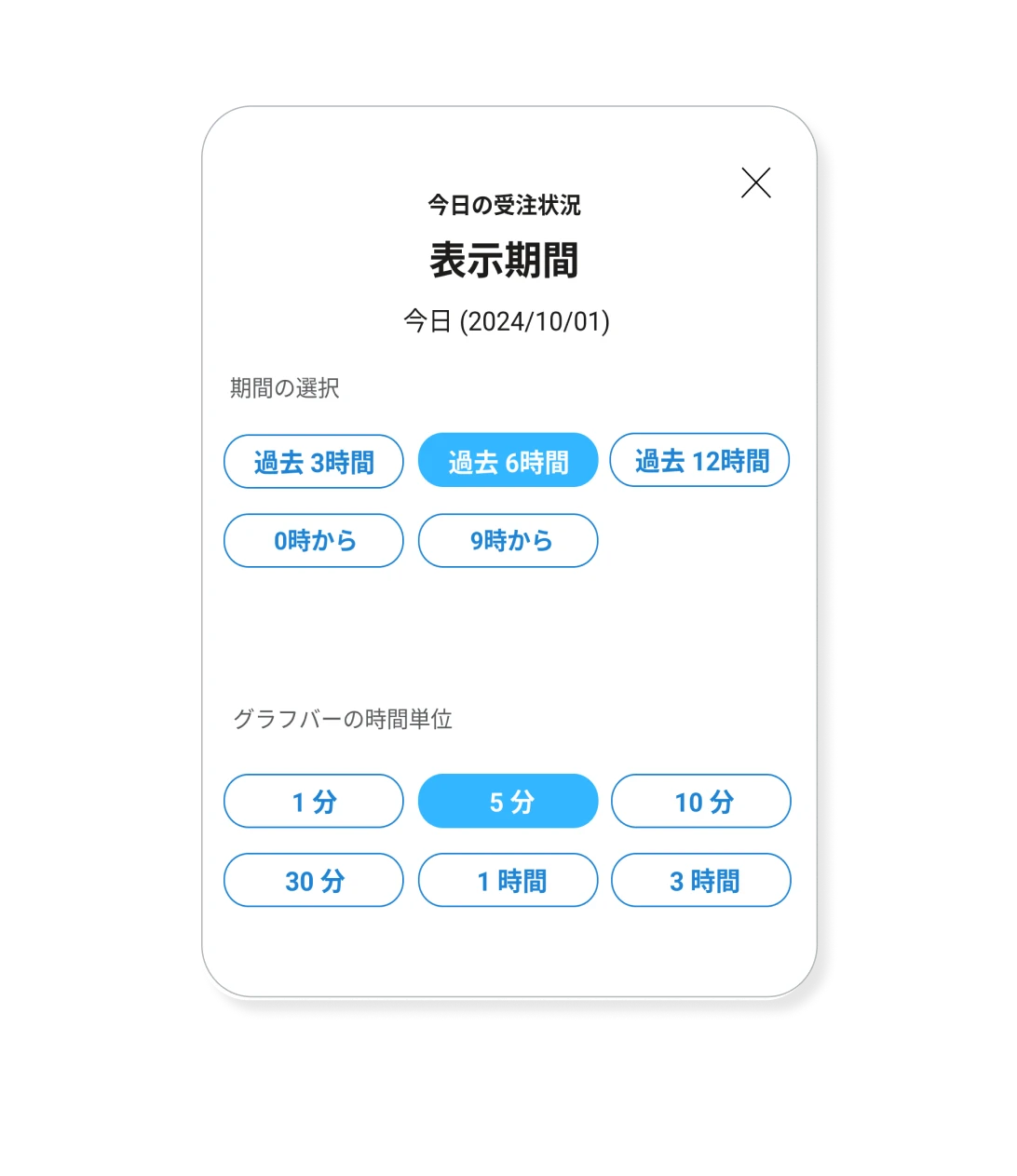
* "Orders" refers to information that reflects all payments, including successful, authorized, failed, and refund confirmed. This can be used as a payment data analysis tool.
You can select to view payment transaction progress in increments of one minute, allowing you to check order status in near real time.
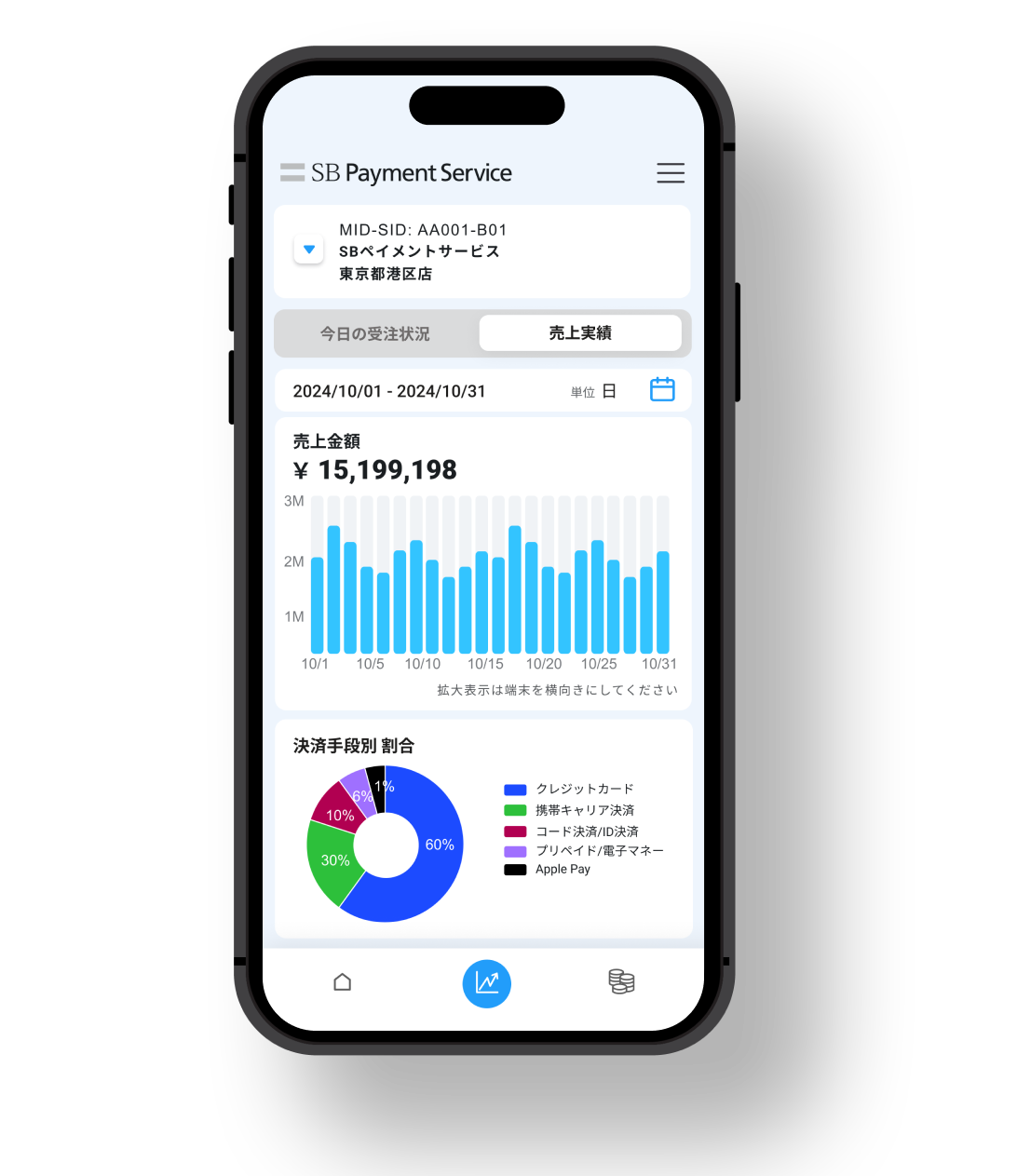
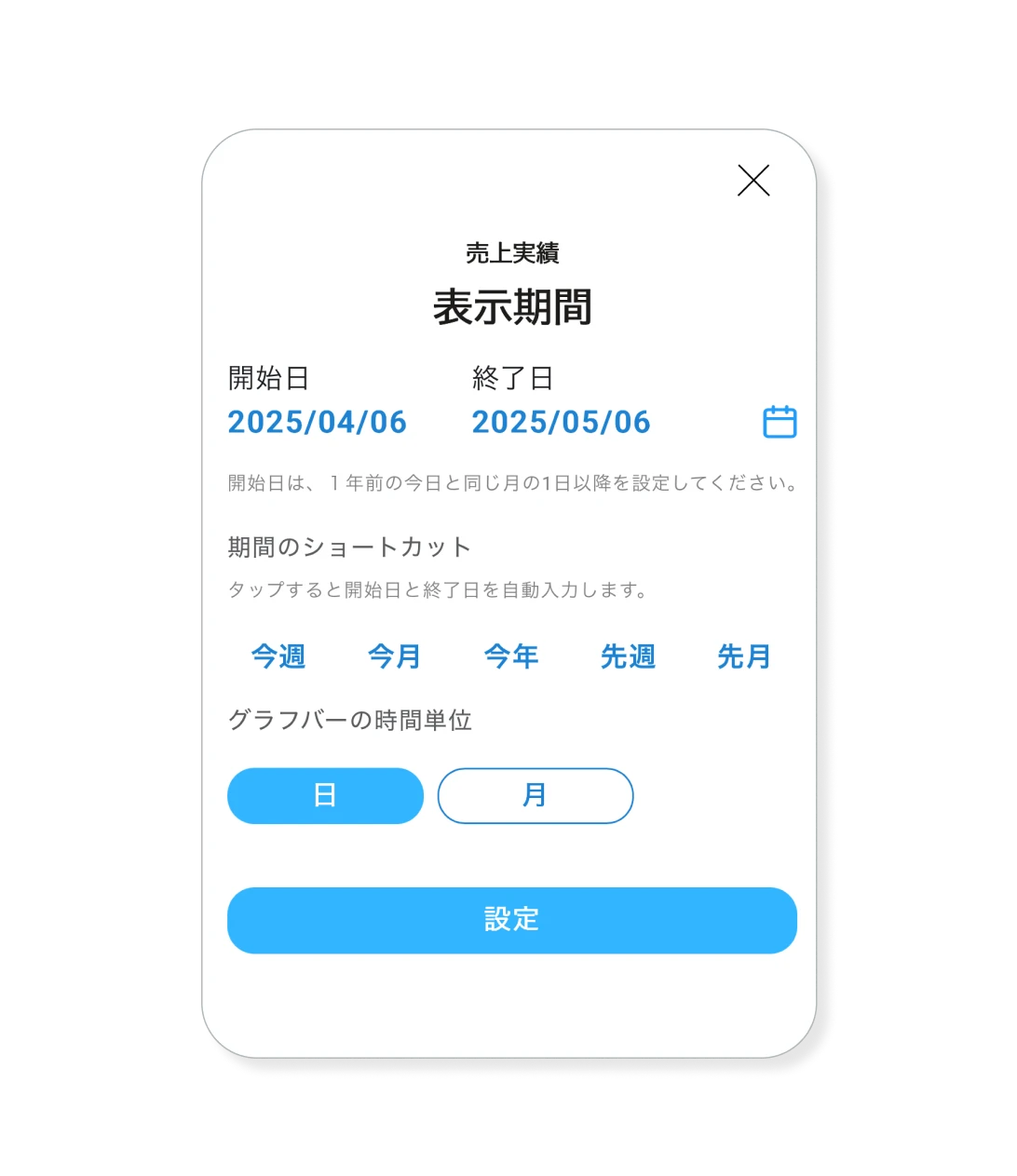
You can check the sales amount, sales trends, and payment methods ratio for a specified period on a daily or monthly basis.
You can specify a period up to the past year and check sales trends.
You can view issued payment details and invoice information at a glance. You can check the amount, transfer date, transfer status, etc.
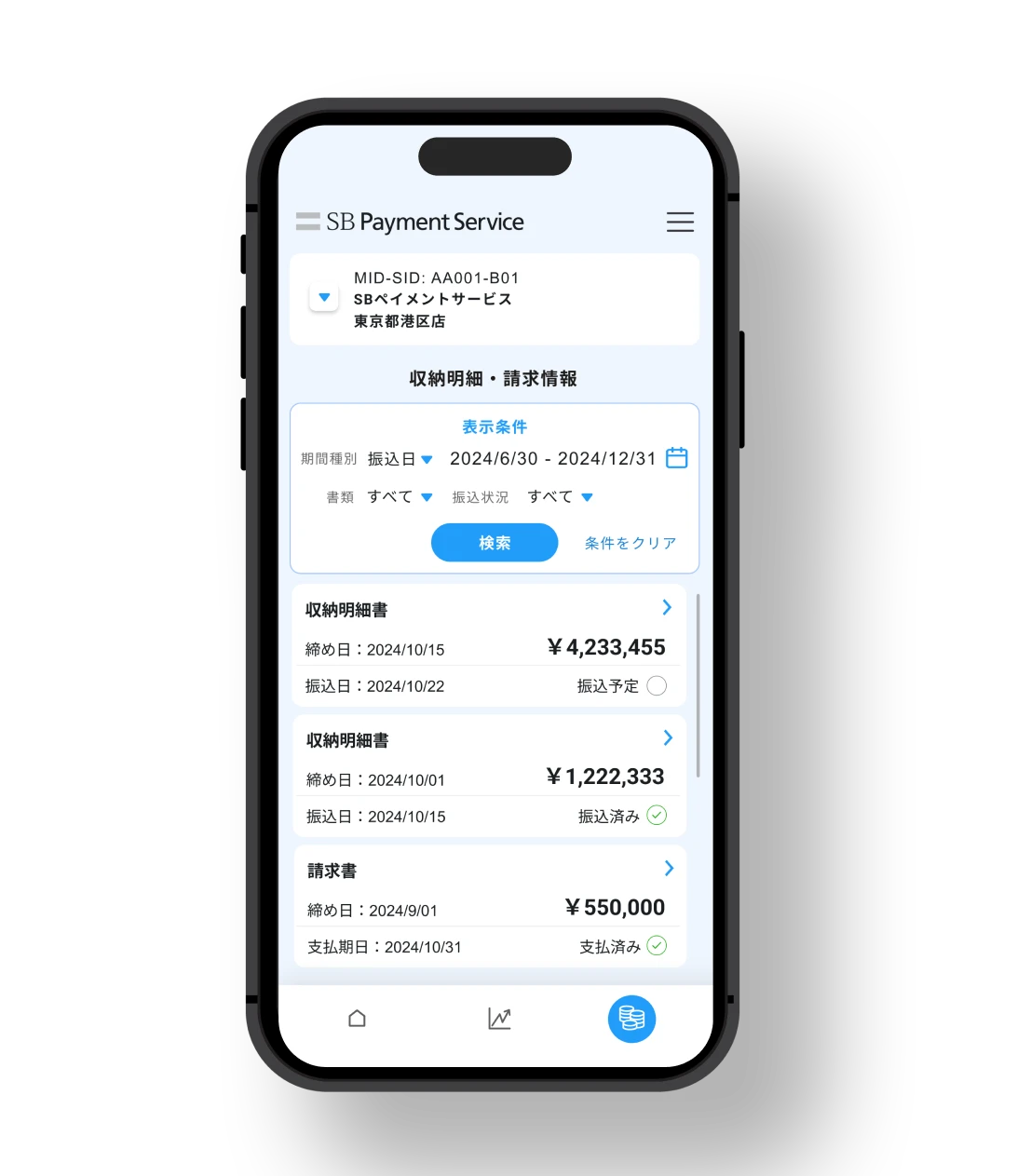
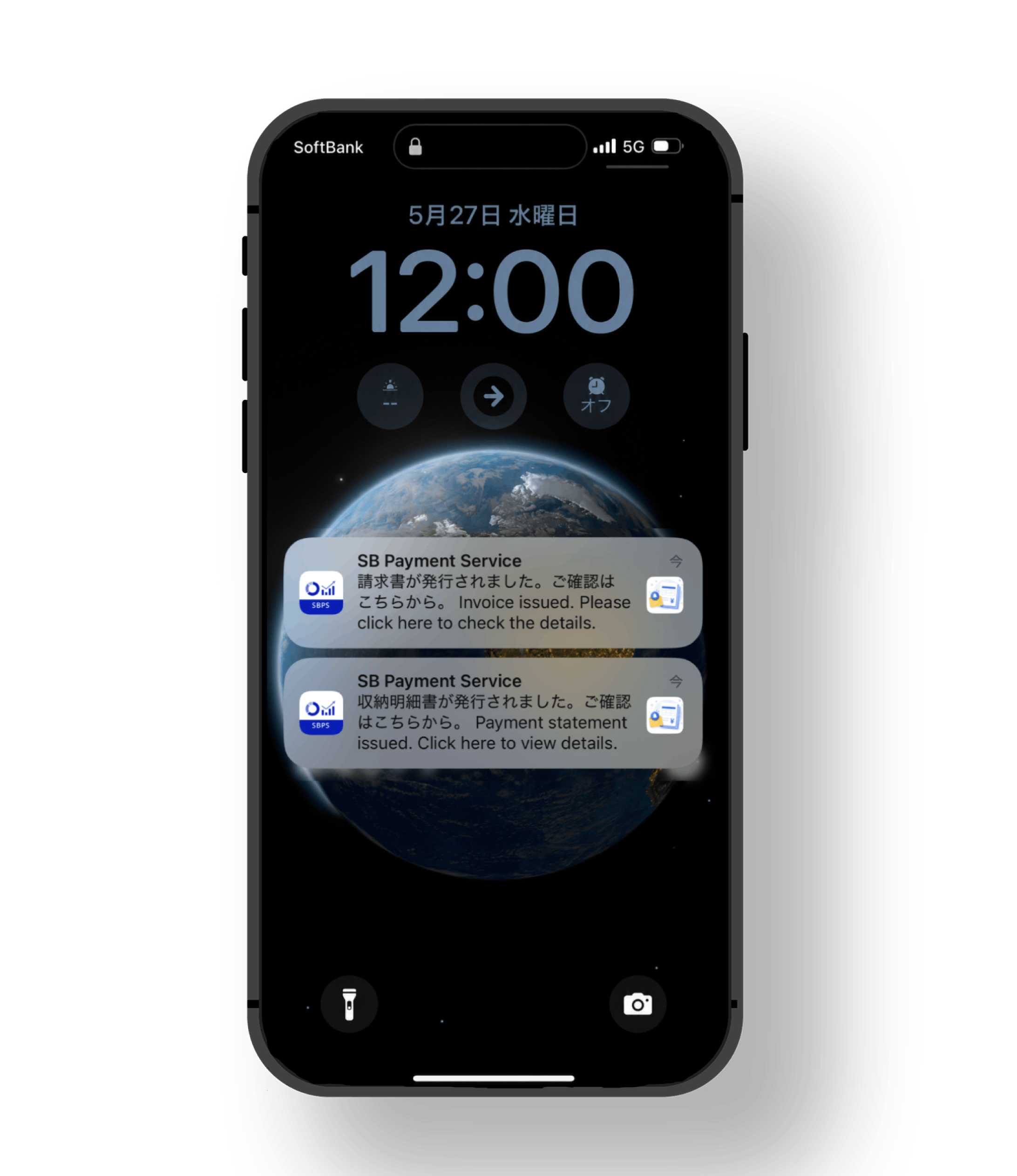
We will deliver timely information about the issuance of payment statements and invoices via push notifications.
For optimal use, please enable push notifications in the app settings.
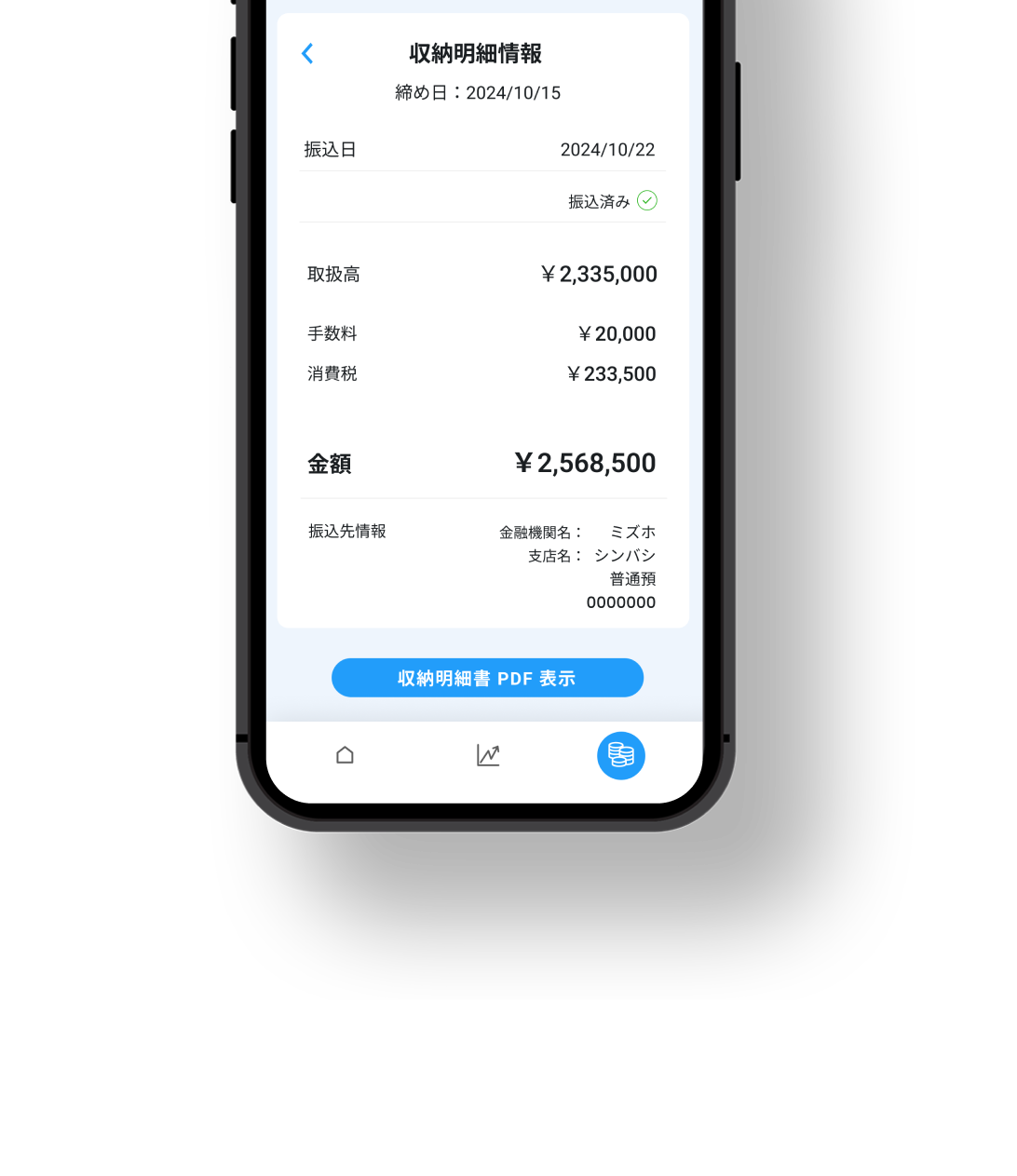
You can check the detailed amount and transfer destination of the payment statement and invoice information. You can open the PDF of the payment statement and invoice in your browser and download it.
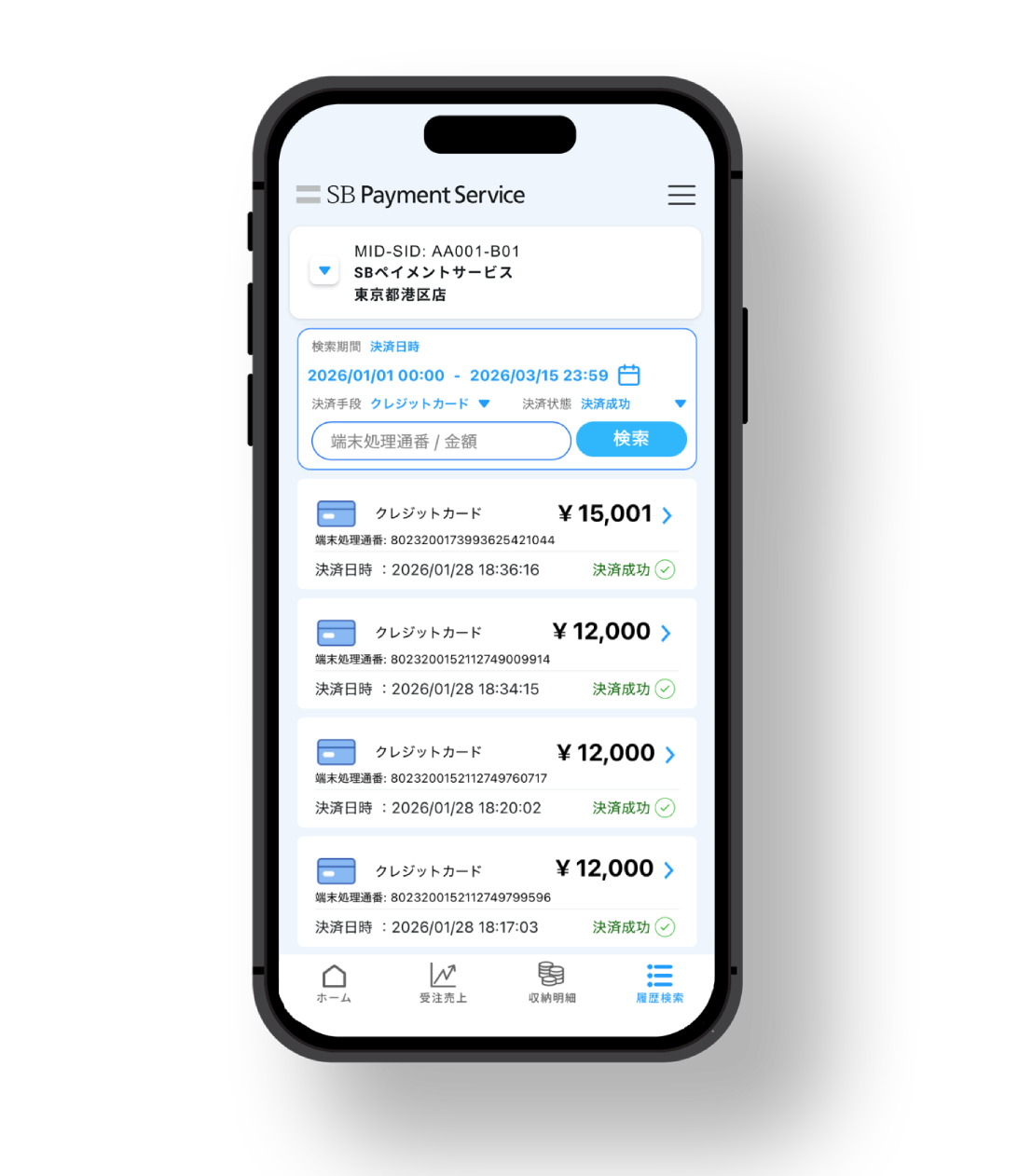
You can search your transaction history from January of the previous year using criteria such as payment methods, settlement status, and amount. From the search results, you can view transaction details such as the settlement status of each transaction.
You can check the progress and results of the application process for each payment brand all in one place.
You can easily understand the preparation status for launching the service, allowing you to proceed with implementation smoothly.
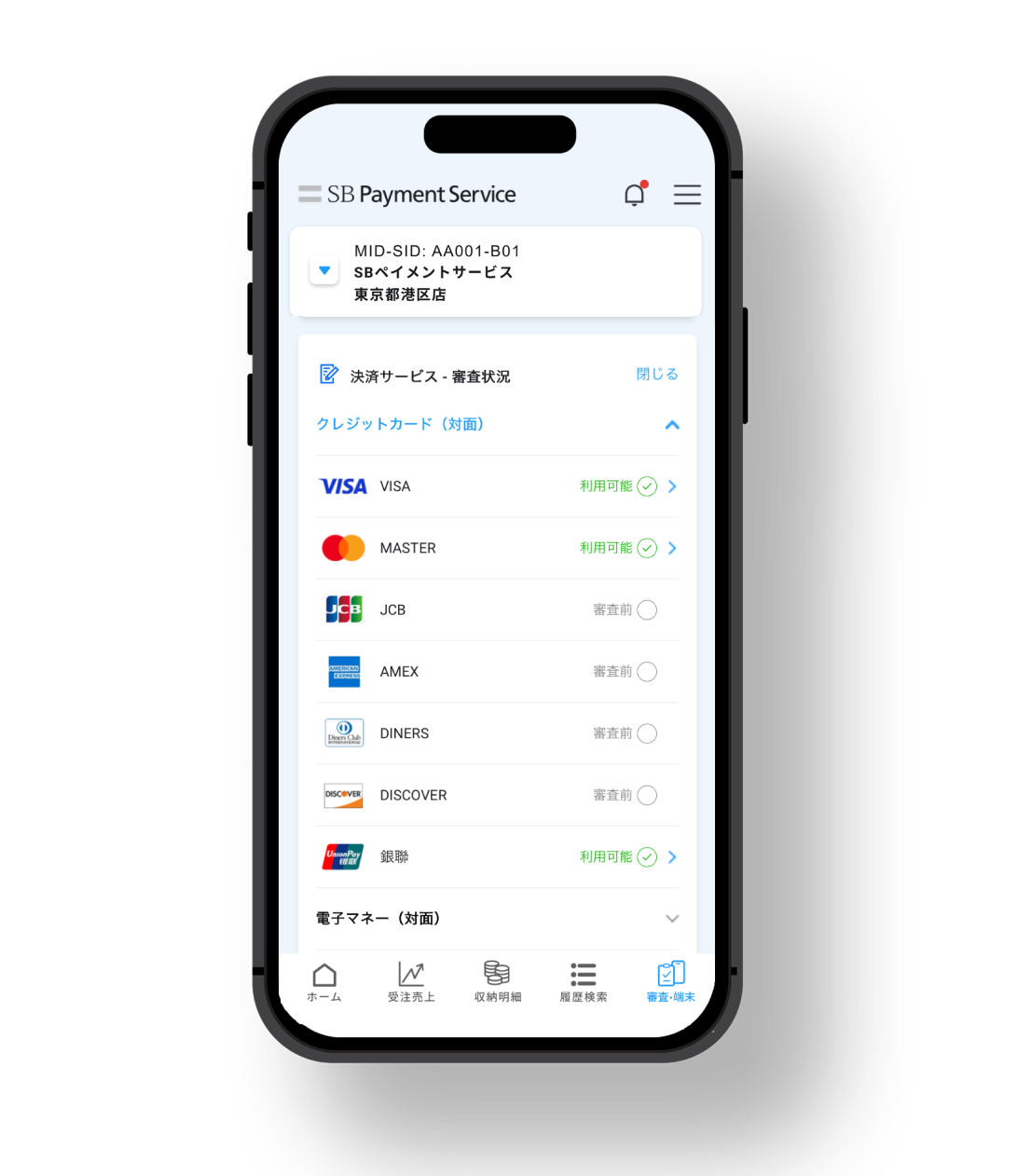
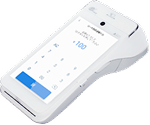
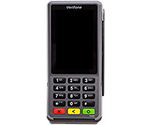
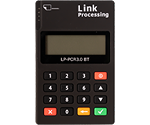
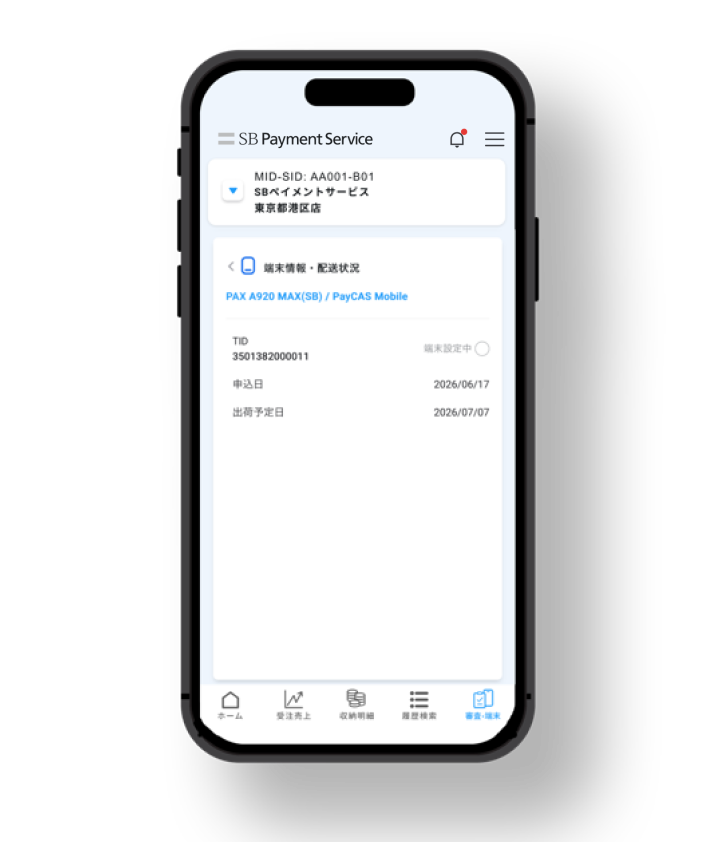
You can view a list of payment terminals and check the approximate shipping date.
Being able to track the delivery status of the devices allows you to proceed with store opening and implementation preparations with peace of mind.
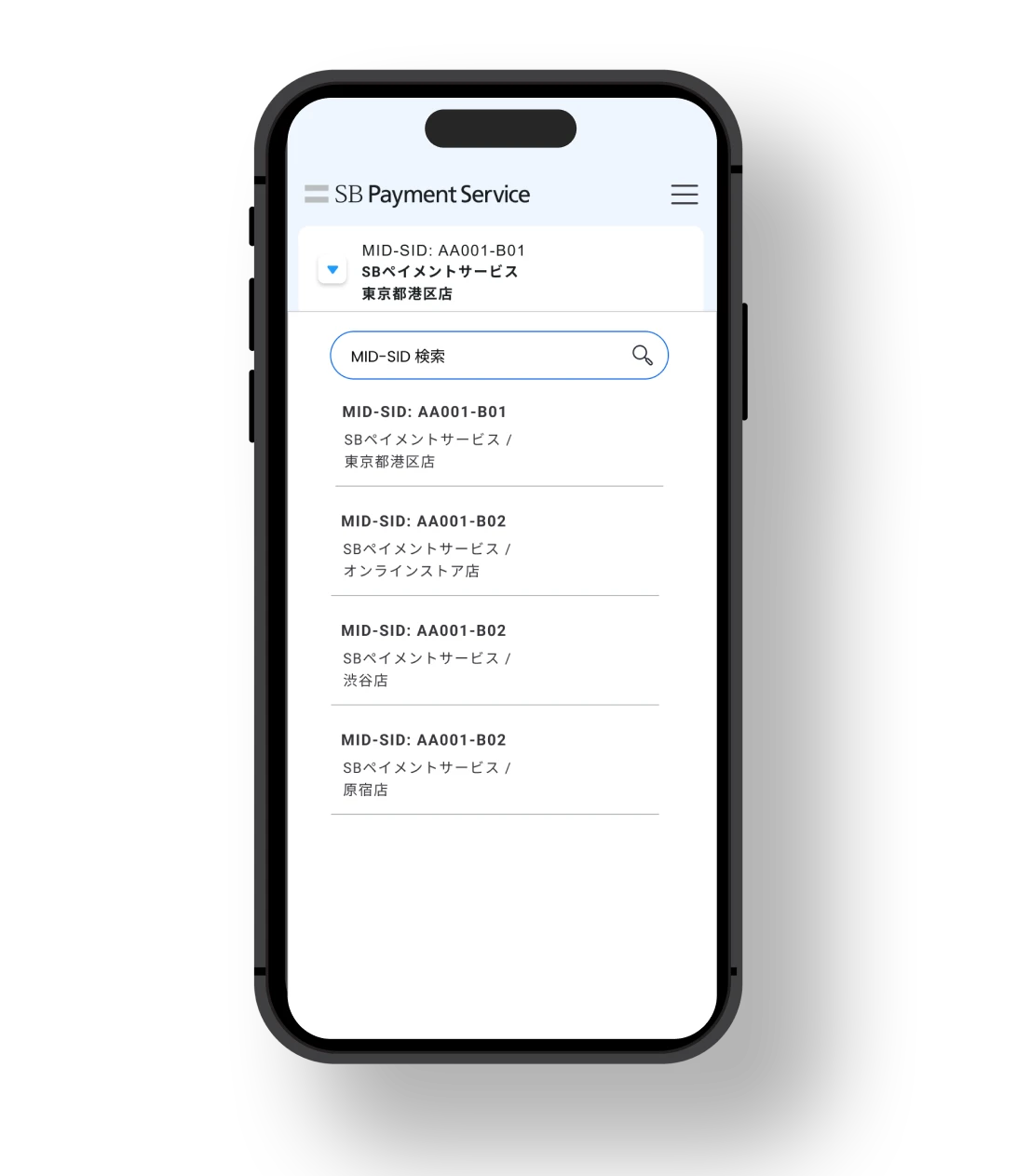
By switching between MID and SID, you can check the order/sales status of multiple services, as well as payment details and invoice information.
Setting device authentication to "Use" will make logging in from the second time onwards easier.
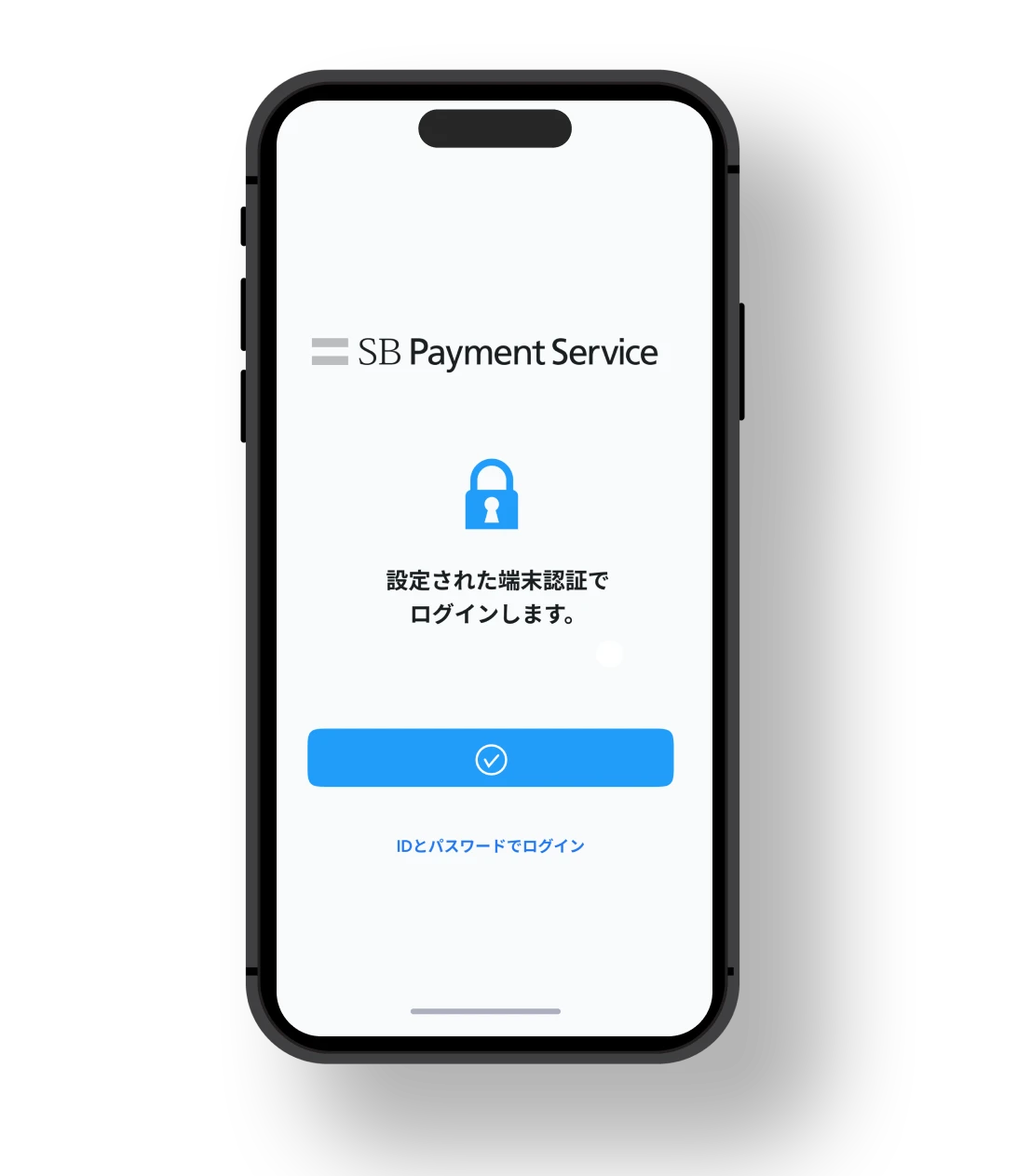
The ID and password are the same as those Admin portal / Payment management tool.

For merchants who applied after July 2026, in addition to the above, we have sent you an email titled "[Please Keep] Terminal Payment Service Account Information Notification" or "[Please Keep] Terminal Payment Service PayCAS Account Information Notification". You can check your "ID" and "Password" in the PDF file attached to the email. Please note that this email will be sent approximately four business days after we receive your application, so please wait a little longer.
An email will be sent to you with your login information attached.
Unlock hereIf you enter the wrong password three times, it will be locked.
*This app is free to download, but you will need to sign up for the payment service management screen to use it.
If you are considering introducing payment,
Please feel free to contact us
Please contact us to download detailed information about our services and to discuss costs and implementation.