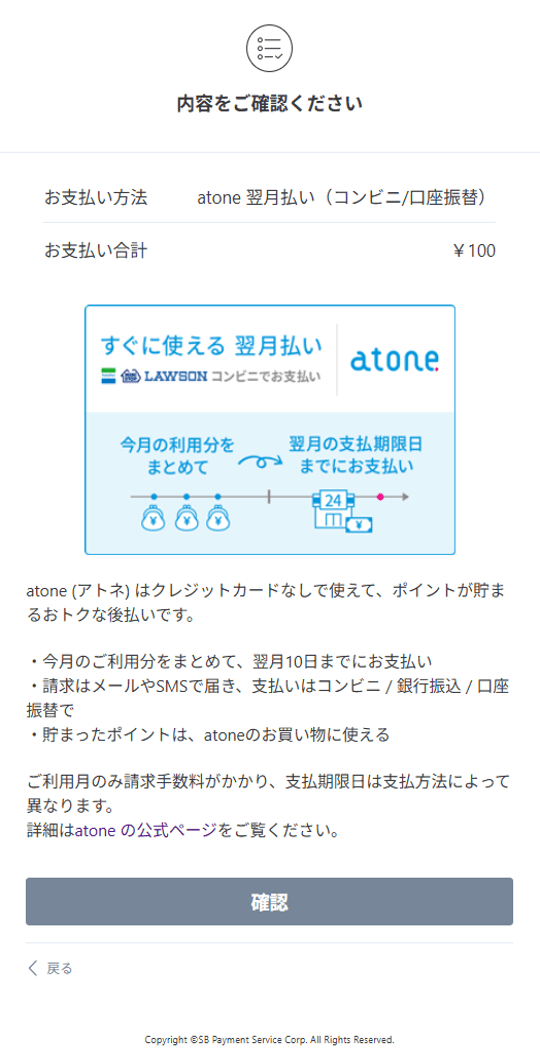
A confirmation screen for payment details will be displayed.
Check the contents and click the "Confirm" button.
You can make payments by registering as an atone member or logging in.
For more details, please refer to Net Protections' user guide.
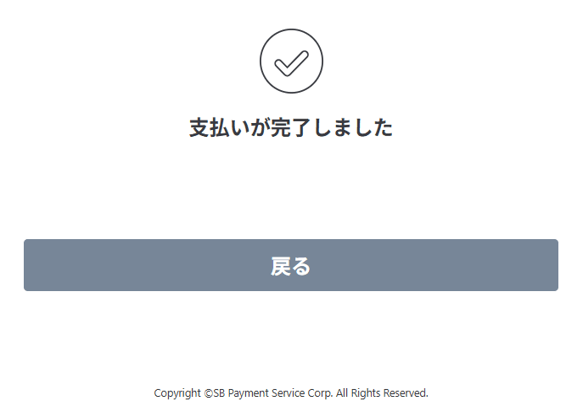
The reception completion screen is displayed.
The reception is complete.
Click the "Back" button to return to the shop site.
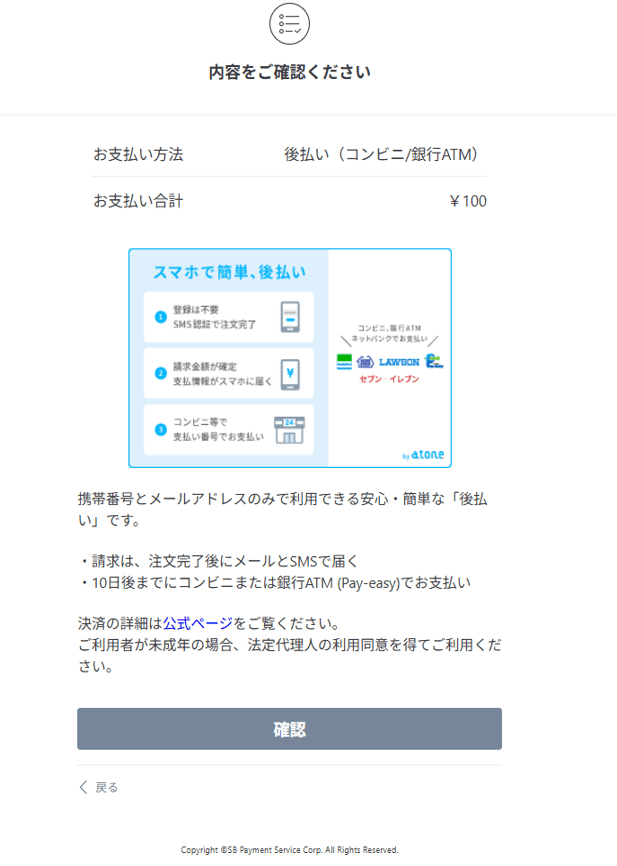
A confirmation screen for payment details will be displayed.
Check the contents and click the "Confirm" button.
You can make a payment by entering your mobile phone number and email address and completing SMS verification.
For more details, please refer to Net Protections' user guide.
The reception completion screen is displayed.
The reception is complete.
Click the "Back" button to return to the shop site.